Animated Elements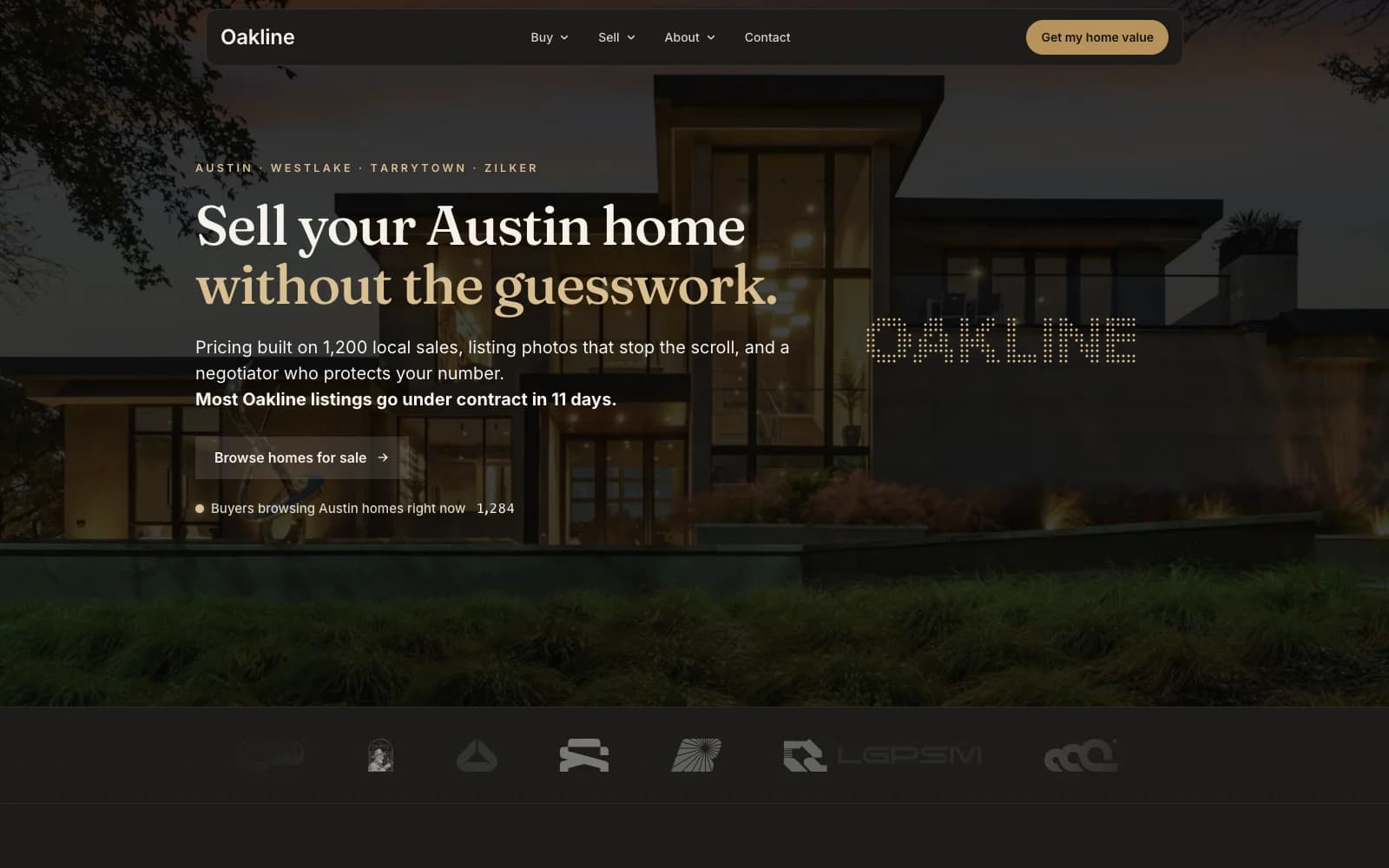
Oakline
Real estate agent funnelFree
Real estate agent funnelFree
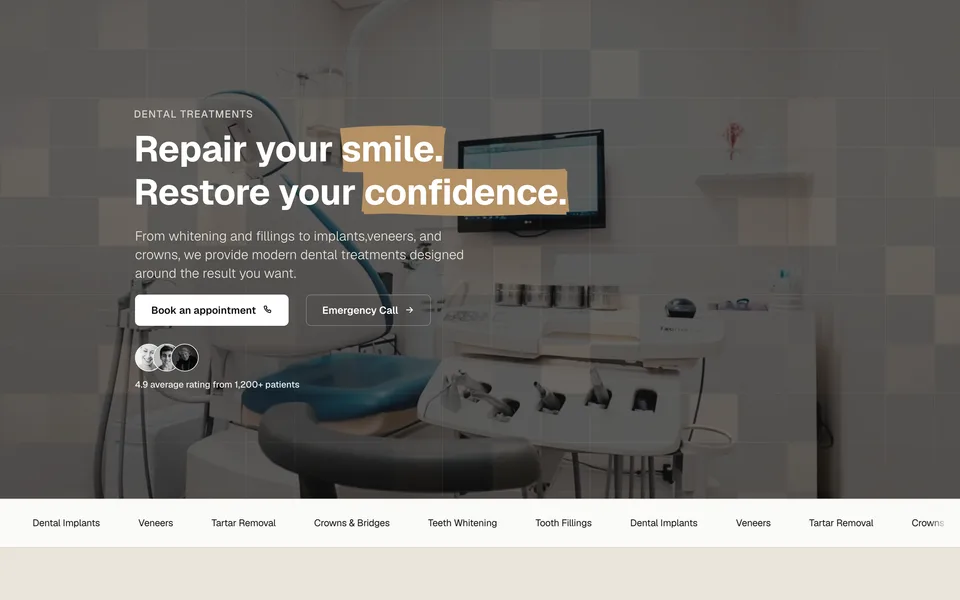
Dental clinic funnelFree
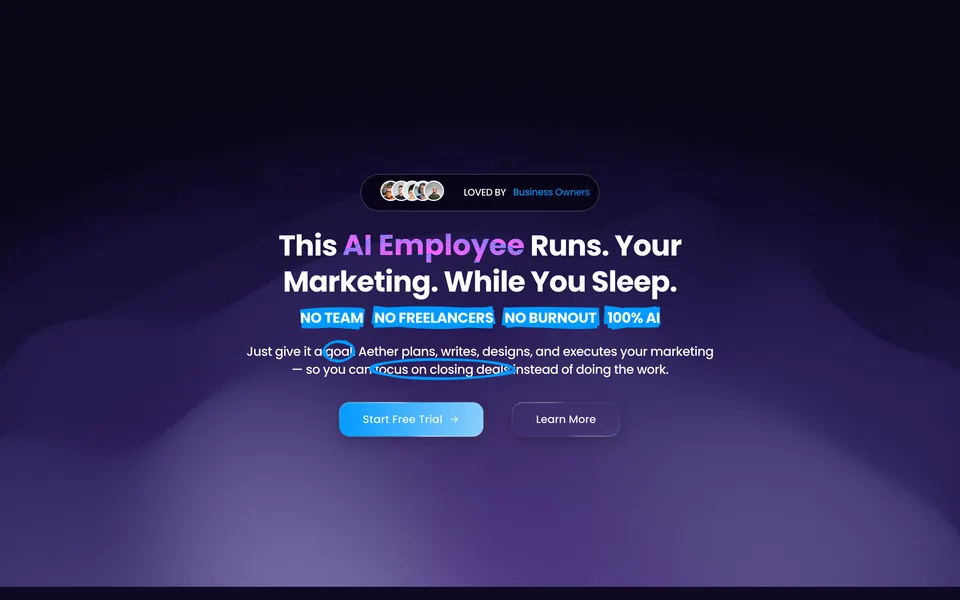
AI marketing tool funnelFree
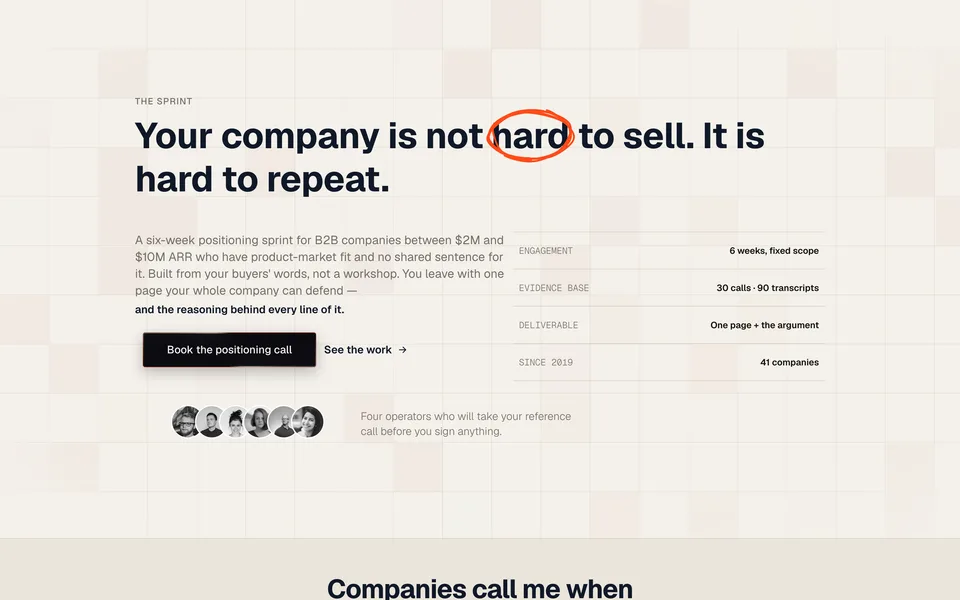
Consultant funnelFree
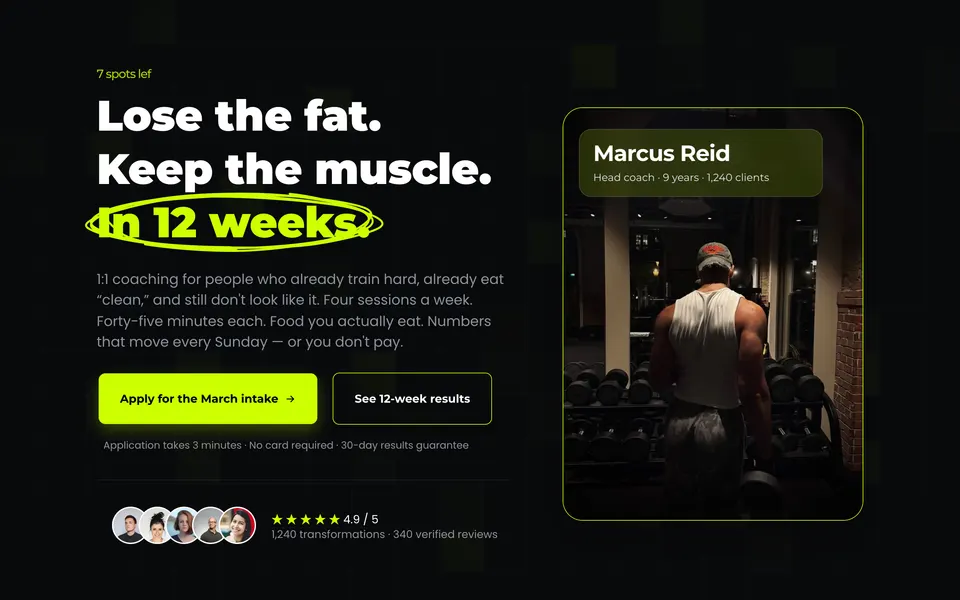
Fitness coach funnelFree
A funnel template is the whole path, not one page. Every funnel here ships with each step built, connected and styled: the offer page a visitor lands on, the form or application that qualifies them, and the confirmation that tells them what happens next.
Browse funnel templatesA website template is the full site: home, the pages a buyer actually reads before they contact you, and the navigation that ties them together. Built in the GoHighLevel page builder, so nothing here needs a plugin or a second platform.
Browse website templatesA share link is GoHighLevel’s own way of moving a funnel or a site between locations. It is not a snapshot, so it brings the template and nothing else: your pipelines, automations and settings are untouched.
Open GoHighLevel and switch to the sub-account that should receive the template. Whichever location is active when you open the link is the one that gets it, so check this first.
Paste the link into the same browser and open it. GoHighLevel shows you what is about to be imported and which location it is going to.
Click import. The funnel or website appears in that location within a minute or two, with every step, section and setting intact.
Change the copy, images and brand colours, point the forms at your own calendar or pipeline, then set your domain and publish.
Each of these started as a build for a paying client with traffic on it. The template is the version we rebuilt afterwards with the guesswork taken out, not a layout drawn to fill a gallery.
Every headline, proof block and objection is filled in with copy that does the job it is there for. You can see how the argument is supposed to run before you replace a word of it, which is the part most template packs skip.
No embeds, no external page host, no second subscription. Sections, rows and columns in the GoHighLevel builder, so your team edits them the same way they edit anything else in the account.
The counters, comparison sliders, highlighted headlines and animated backgrounds you see in the previews come from Animated Elements, our GoHighLevel app. Templates import and work without it. With it, they look the way the previews do.